
Curating A Digital Music Library
Or: How To Tame The Beast

My record collection is a direct reflection of myself. My tastes, preferences, habits, niches, and quirks are all conveyed through album spines lined up on a shelf. Since getting serious about record collecting about two years ago, I’ve thought that my physical collection was the only way to express all those aspects of myself. A few months ago, however, that changed. I realized that I could curate my digital music library in the same way I curated/continue to curate my record library.
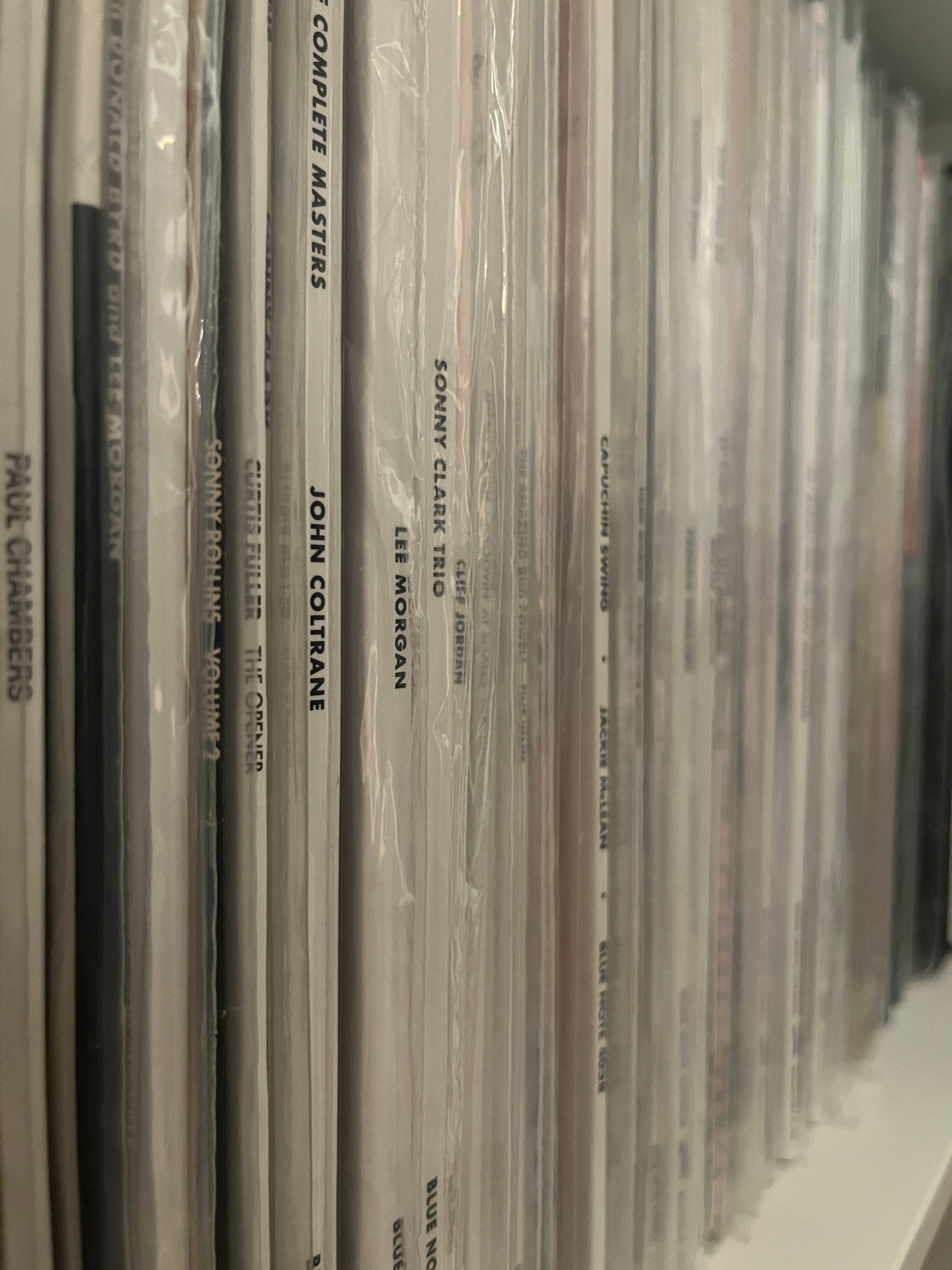
To me, the biggest issue with streaming services is the sheer volume of music available at any moment. Because nothing is locked behind an additional price or unattainable due to a lack of space (unless you download everything), one can access almost every piece of recorded music. It’s entirely overwhelming, at least for me.
Step 1: Clean Slate
In August of 2023, I completely wiped my Apple Music library when I realized that I wasn’t listening to 95% of its contents. It had gotten completely out of hand because there was no concept. For four years, I had just been adding albums to my library without listening to them. I would usually add an album if I knew its personnel or if it had been recommended to me, but that quickly led to a library of who knows how many albums, many of which I’d never listened to.
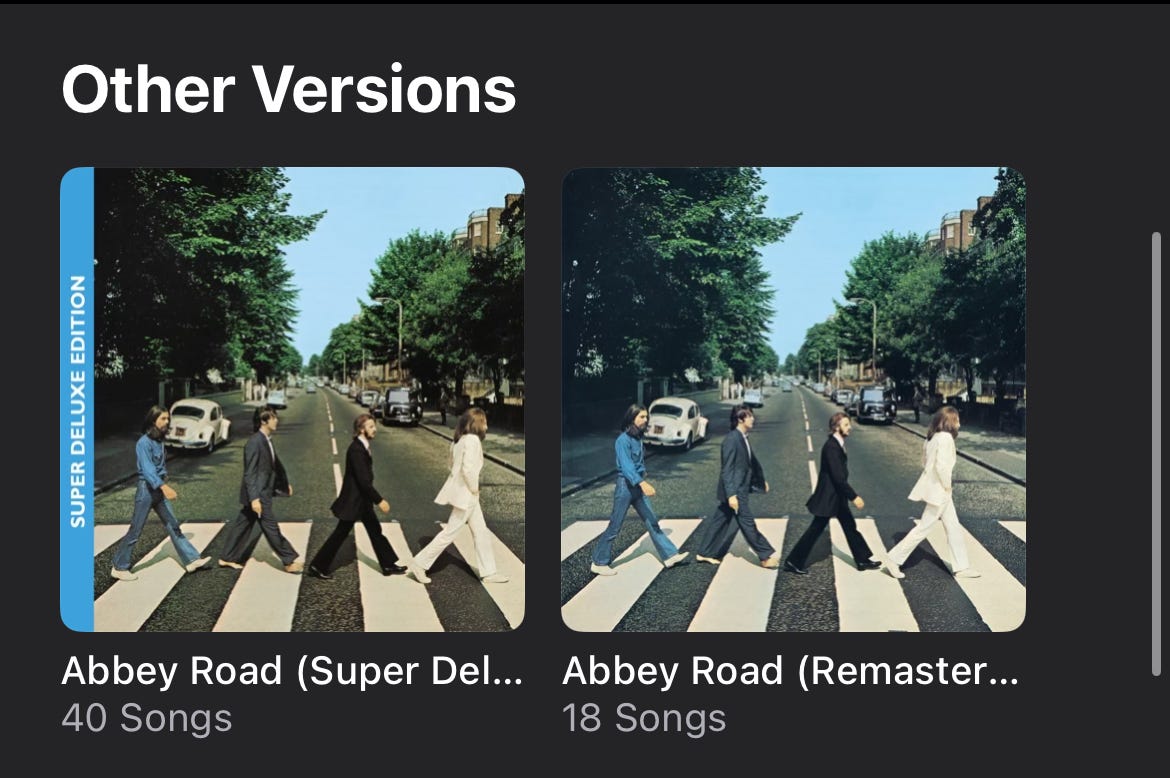
With the opportunity to start completely fresh, I began searching around on the app for different albums and the highest quality offered for each. Oftentimes, on Apple Music, there will be at least two versions of an album: the standard edition and the “deluxe” edition. In some cases, there may be several different options for the same album. I hadn’t started thinking about which albums or editions to add to my library, but it was good to know what was available.
Step 2: Creating a Concept
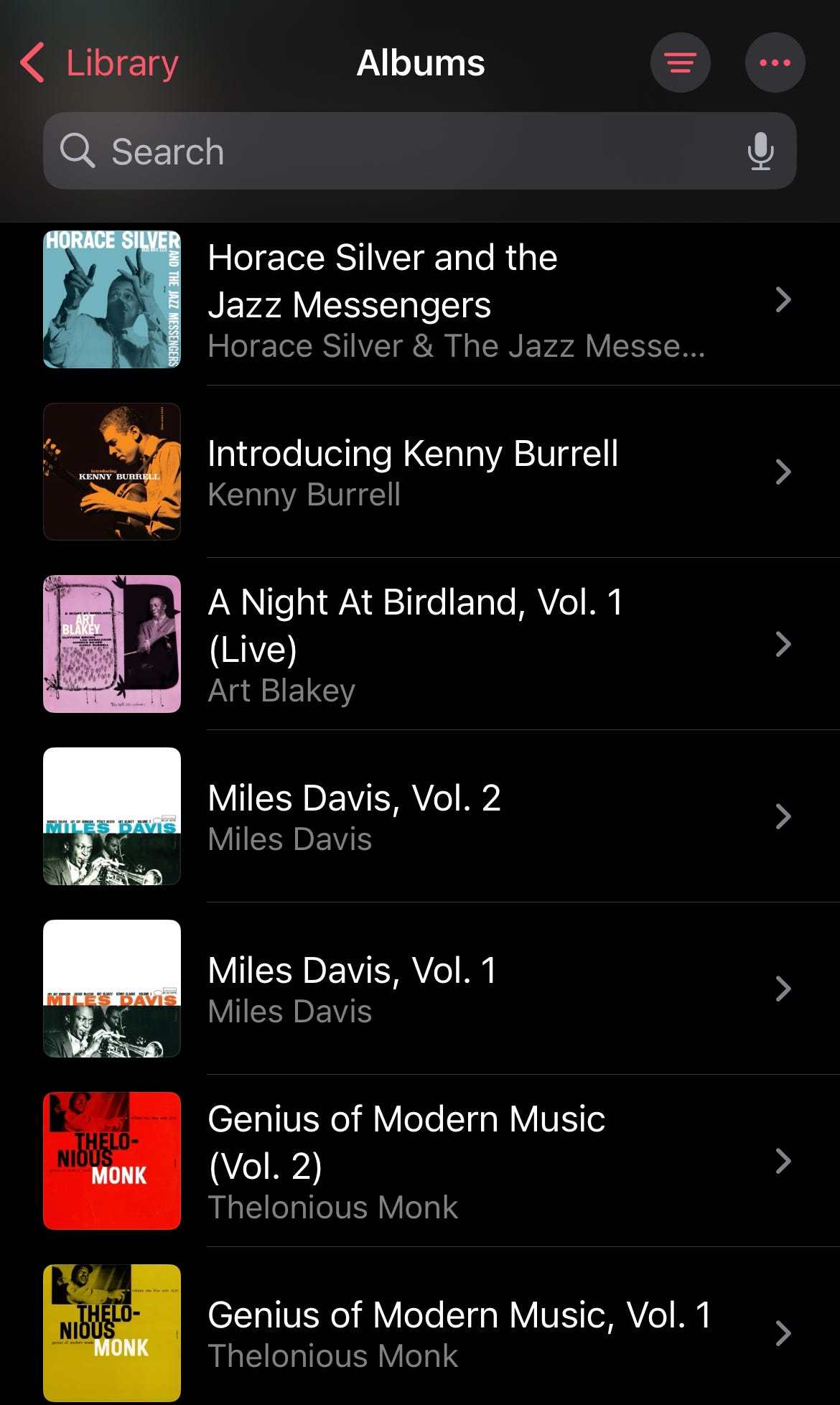
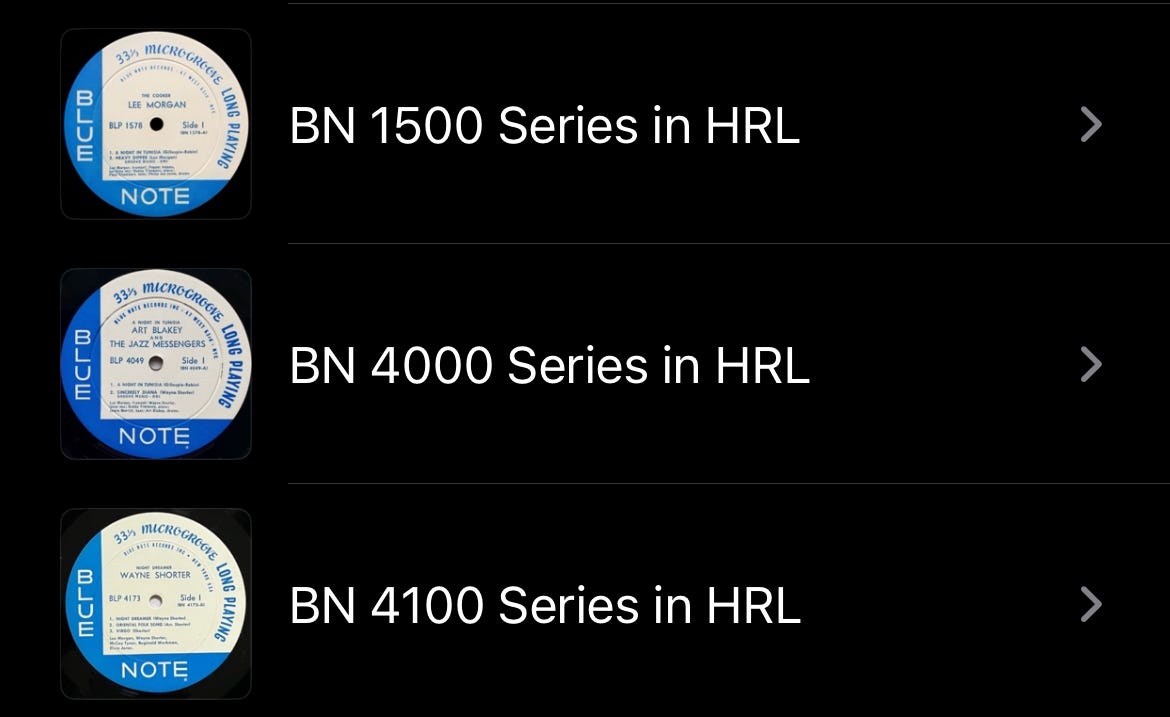
My library stayed empty until April when I decided to take advantage of Apple Music’s Hi-Res Lossless feature. To begin curating a high-quality streaming library, I went through the Blue 1500, 4000, and 4100 series and added every title available in Hi-Res Lossless. Across the three series, there were 40 albums available in Hi-Res Lossless all of which I was familiar with or actively listening to. The library now had a concept: a collection of high-quality streaming editions of my favorite records.
To go back for a second to my point about the editions, most of the Blue Notes were available in two ways: the Rudy Van Gelder editions and the standard editions. The RVG editions came from the digital CD remasters that Rudy had done in the 90s and 2000s, whereas the standard editions come from masters done in more recent years (you can read about them here).
While looking for the Blue Note titles, I would sometimes go to an artist’s catalog and add other Hi-Res Lossless albums. For example, when I added a few Art Blakey Blue Note records, I added the 1964 Jazz Messengers record on Impulse, as it was also available in Hi-Res Lossless. This helped to diversify the collection a little bit, so it wasn’t just jazz from a single label.
Step 3: The “Essentials”
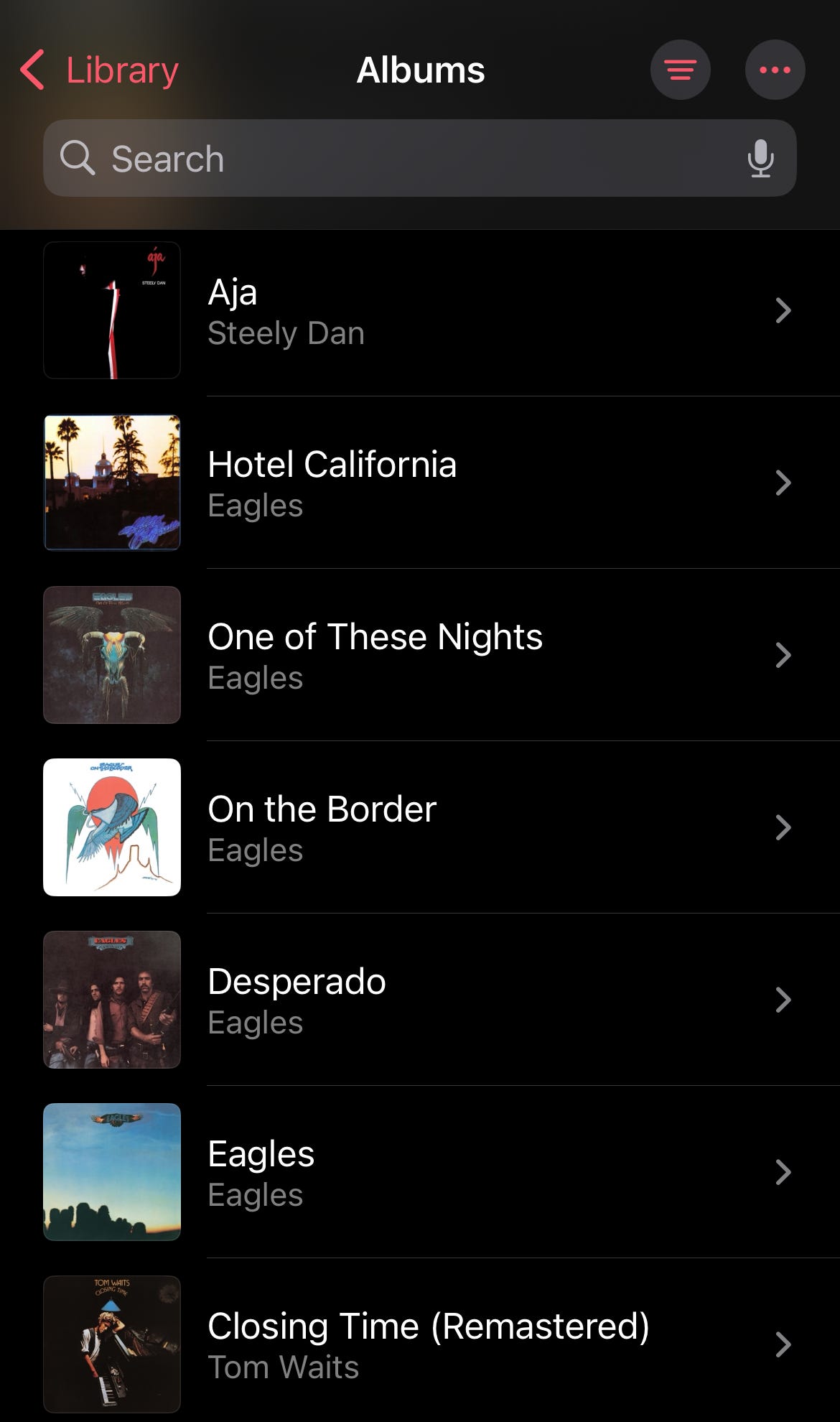
From there, I started looking around Apple Music to find the Hi-Res editions of albums I loved across all genres. To my delight, I found that the first five Eagles albums, Steely Dan’s Can’t Buy A Thrill and Aja, Tom Waits’ Closing Time, Zeppelin I-Physical Graffiti, multiple Neil Young and Bob Dylan albums, Joni Mitchell’s Ladies Of The Canyon, Court And Spark and Hejira, Santana’s Abraxas, and several others were all available in the best fidelity streaming can offer.
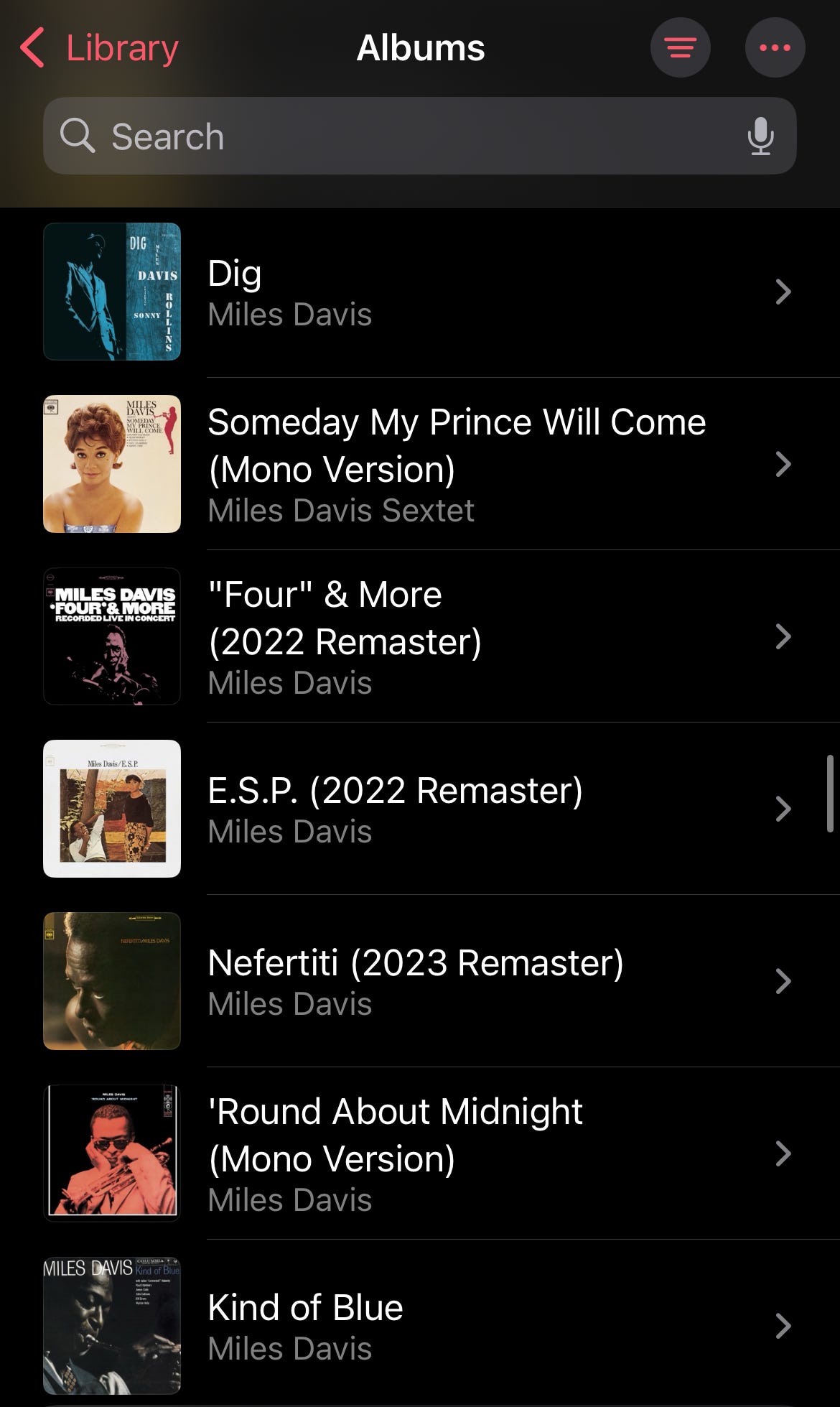
As far as other jazz, I went through the discographies of John Coltrane and Miles Davis and added their Hi-Res Lossless offerings (only if I liked the album to begin with, of course). I also saw that Craft Recordings was releasing Hi-Res editions of the albums they were putting out for their revamped currently on the market.
Step 4: Playlists and Exceptions
I’m not a huge playlist guy. I like albums, not singles. When I added all the Blue Note titles, I made playlists for each series and placed them in release order in playlists. This format works as a digital filing system, like how I might have the records on a shelf. I’ve been on a jazz-with-strings kick lately, so I have a playlist comprised of several different with-strings albums from artists such as Cannonball Adderley, Ben Webster, Stan Getz, Chet Baker, and others. I’ve also got a playlist of secreted albums recorded by Rudy Van Gelder for the Criss Cross label in the 90s. It’s for these little niches that I find playlists to be very helpful and fun.
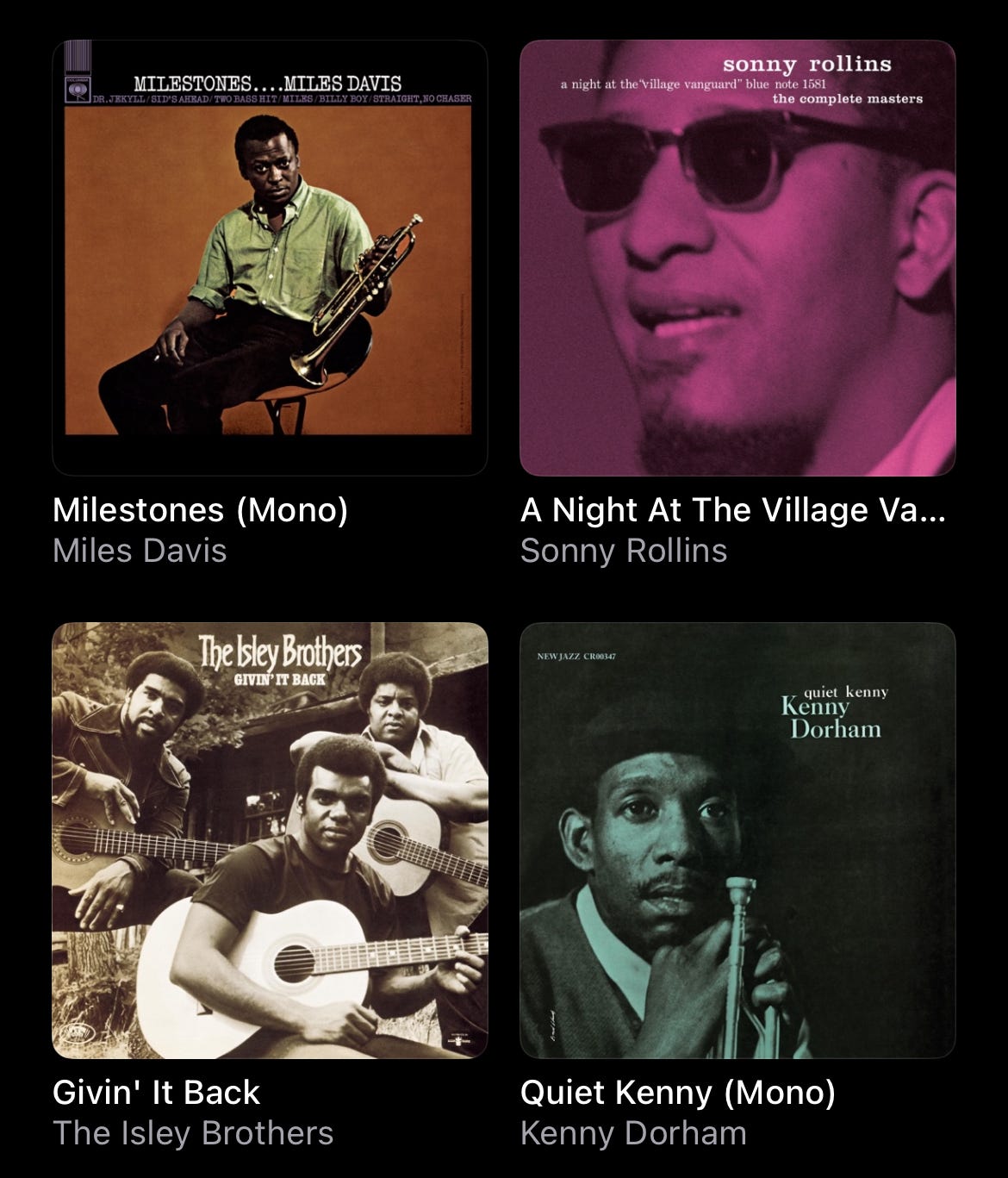
I’ve since lightened up on my Hi-Res-only mentality and added a handful of records that are only available in regular Lossless audio. Miles Davis’ Milestones, one of my collections of music ever, is only available in Lossless, but it’s a quintessential part of my musical self, so it has to be a part of the library. Those Criss Cross albums are only available in Lossless, but they serve a purpose in the library so they can stay. The same goes for the with-strings records.
With these new concepts, I can more easily manage and navigate my Apple Music library, making me more excited to use the service. I have an easier time choosing what to listen to (well, relatively easier. It’s a challenge whether I’m streaming or choosing a physical record), and keeping a handle on the library. I found that the way my library was before disincentivized me from listening to music because there was too much. I would get lost in the collection of random albums that mostly meant nothing to me. Now, my digital library is a reflection of myself in the same way as my record collection.
Of course, this is just what works for me. I encourage you to experiment with different ways of using your preferred streaming service, and I hope I’ve inspired you to think differently about your digital music library. I like comparing it to my camera roll. Just as I want my camera roll to say something about me, I want my music library to say something about me.